

So i was installing on-premises data gateway on my newly created VM. So when i entered my 0365 developer account email address for linking, it prompts me “Your browser is currently set to block cookies “.
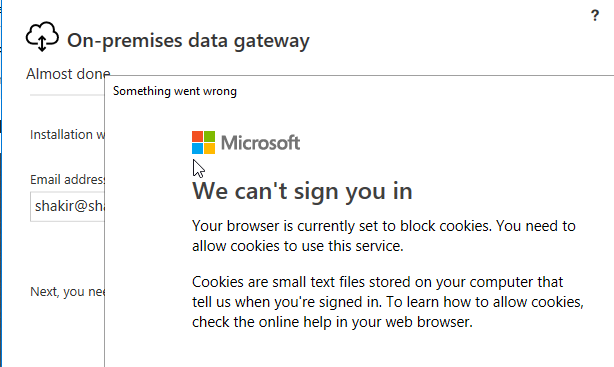
It seems that internet explorer blocking the cookies, so follow the simple steps to get rid of this prompt (Please note that this is my dev server, so it only for testing and evaluating the products).
- Open Internet explorer
- On the top right section click on tools menu
- Click on Internet Options
- Click on privacy tab
- In the Pop blocker settings, select “Low: Allow pop ups from secure sites” from Blocking level drop down.

Cheers
 Shakir's Blog